Welcome
The faculty, staff, and students of California State University, San Bernardino (CSUSB) thank you for your service to our nation and welcome you to our campus. At CSUSB, military service members, veterans, reservists, Guardsmen, and dependents can combine the call of duty with the call of opportunity.
Through the Veterans Success Center (VSC) and their connection with other departments and organizations on and off campus, CSUSB can provide you with the necessary support, resources, and information to make your journey successful. This website was created explicitly for those with a military background to quickly and efficiently find the resources that are specific to their needs. To begin your journey as a Coyote, we recommend viewing the CSUSB Veterans Success Center Dedicated staff which helps with navigating the campus.
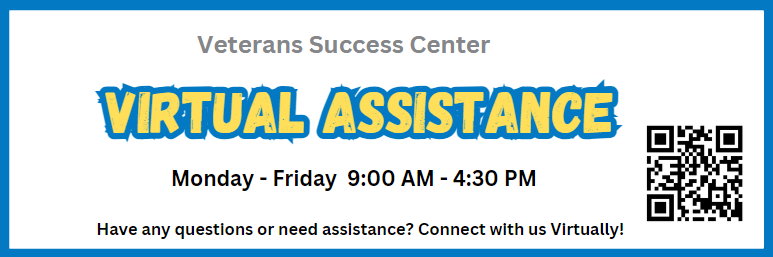
LIVE! VIRTUAL CHAT ROOM AVAILABLE
We are available to assist you through Zoom.
Click the button below to enter the Virtual VSC Zoom Office.
Monday -Friday
9:00 A.M. - 4:30 P.M.
To connect to virtual VSC Virtual VSC Group Chat click on image below.
Award Winning Program
The Veterans Success Center at CSUSB has been recognized by the U.S. Veterans Magazine (USVM) as a top veteran-friendly school for nine years in a row, since 2013. USVM annually evaluates universities across the United States to determine the premier educational institutions for veterans.
The center has also been acknowledged by independent news outlet, Military Times, as being one of the best for veteran colleges across the U.S., for seven years in a row. Military Times utilizes university data including yearly overall enrollment statistics, military/veteran enrollment, military/veteran graduation rates, GI Bill® gap coverage, accreditation type, military/veteran retention rates, and more, to determine the top universities for veterans.
Other awards include Military Advanced Education's "MAE&T Top Colleges & Universities 2018", Military Friendly's "MF'22-23" and "MF Spouse'22-23" which distinguishes CSUSB as a top college for veterans in the western United States for offering programs and benefits that streamline the admissions process, reduce out-of-pocket costs, and assist in continuing education for veterans & dependents.
"GI Bill® is a registered trademark of the U.S. Department of Veterans Affairs (VA)."